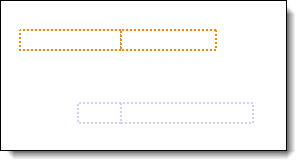
Remove line in middle of bar
Answer:This appears to be the status. Usually, the bar would be filled up to the status date and hollow after the status date. It's possible that both the bar color and the after status bar color have been set to white, giving the bar the appearance above. To remove the bar, you need to turn off the fill to status feature. Bar types 66 and 71 do not change color based on status and will not draw the line. Turn off fill to status: On the Dates tab,
|

|
|
Change the color of horizontal bars Horizontal bar has white stripe Change the shape of a symbol based on status |
 2017
2017