Default text for toolbox symbols
Assign up to three lines of text to each symbol in the toolbox. When a symbol with Default Text is added to the schedule, both the symbol and text appear.
The text is based on user-entered text or text from a selected column.
NOTE: Text attached to any symbol already on the schedule will not be affected by changes to the Default Text. That is, changes to the Default Text only affect symbols that subsequently get added, not those already on the schedule.
Assign default text to a toolbox symbol:
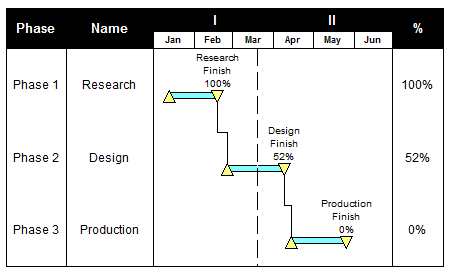
Example: Default symbol text
Notes:
-
If the symbol text does not appear after adding the symbol, redraw the screen by pressing the F9 key.
-
Enter up to 58 characters for each default text line.