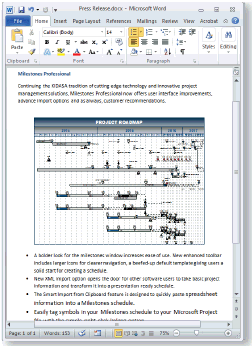
When a Milestones Simplicity schedule is embedded in a document of a Windows compliant program, the schedule becomes part of that document and the functionality of Milestones Simplicity is now accessible from that program.
Embed a schedule into another document:
-
In Milestones Simplicity , choose Connections | Clipboard | Copy Schedule to Clipboard.
-
A message appears informing the user that the Schedule Object is on the clipboard.
-
In the other Windows document (Word, Excel, PowerPoint, or any other OLE application), click Paste Special on the Edit menu.
-
On the application’s Paste Special dialog box, click Paste.
-
Click on Milestones Simplicity Schedule Object.