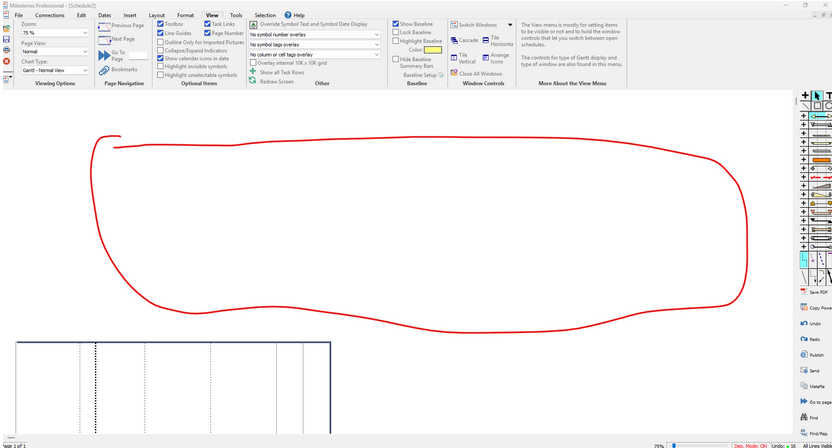
Big white space above schedule
Answer:Yes. This is definitely an issue. It is likely related to the printer driver currently in use. Milestones picks up some of its display settings from the default printer. Change the printer:
|

|
|
|
Answer:Yes. This is definitely an issue. It is likely related to the printer driver currently in use. Milestones picks up some of its display settings from the default printer. Change the printer:
|
|
|
|
Applies to Milestones Professional:  2023 2025
The fast easy way to schedule your projects: Milestones Software by KIDASA Software, Inc. www.kidasa.com
Copyright © 2026 KIDASA Software, Inc. All rights reserved.