The toolbar
|
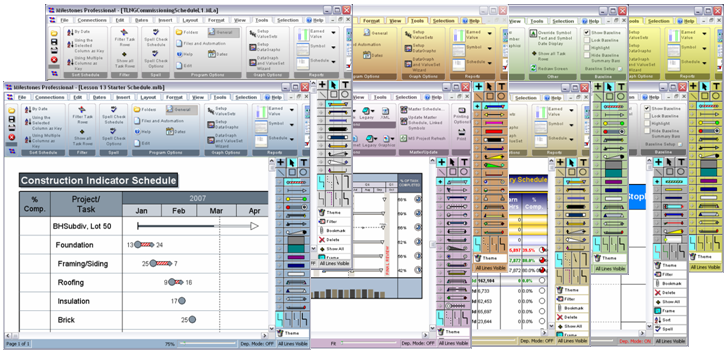
The toolbar is a fast way to perform basic tasks. Many of the instructions in this help system involve the use of the toolbar. The toolbar changes depending on the item selected. Contents Here’s what the toolbar will look like when a symbol is selected on the schedule:
Remove gradient color display in the toolbar
Use drop-down menus and legacy toolbox
User interface (theme) colorsAdd a little spice to the Milestones Professional workspace with user interface theme colors. Choose from eight built in colors: Black, Silver, Green, Blue, Rose, Sunflower, Orange and Gold.
Find these options in Tools | Program Options | General | Theme Color Expand the height of the toolbarIt's possible to increase the height of the toolbar.
|



Related Topics