Template gives unexpected results
Answer:Templates are very useful for reformatting schedules. When applying a template to an existing schedule, be sure that the template includes the same number of columns in the same order. (If some columns are not needed they can be hidden.)
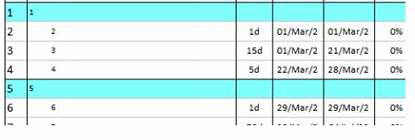
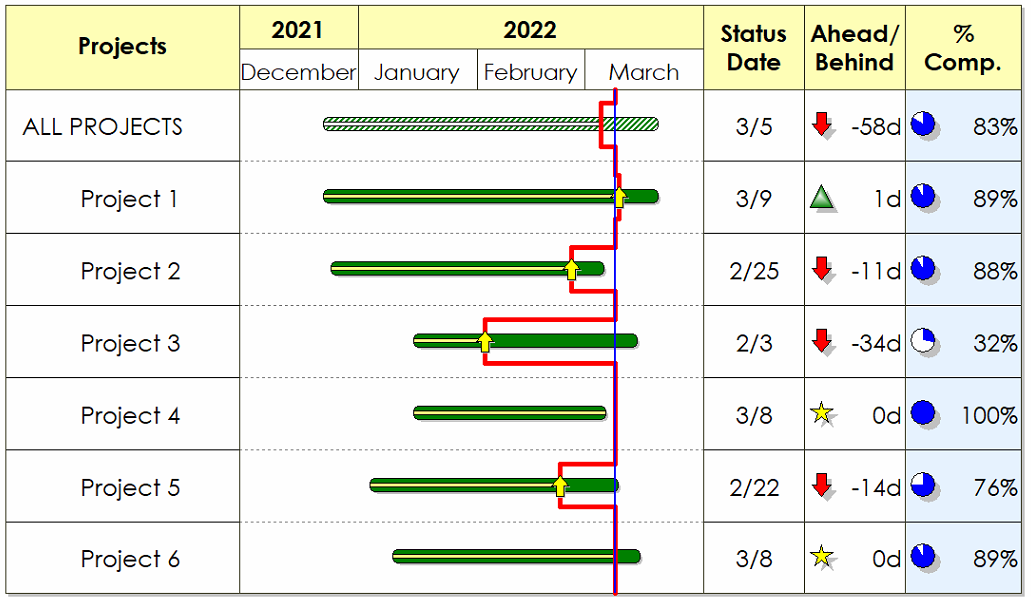
Before applying a template:
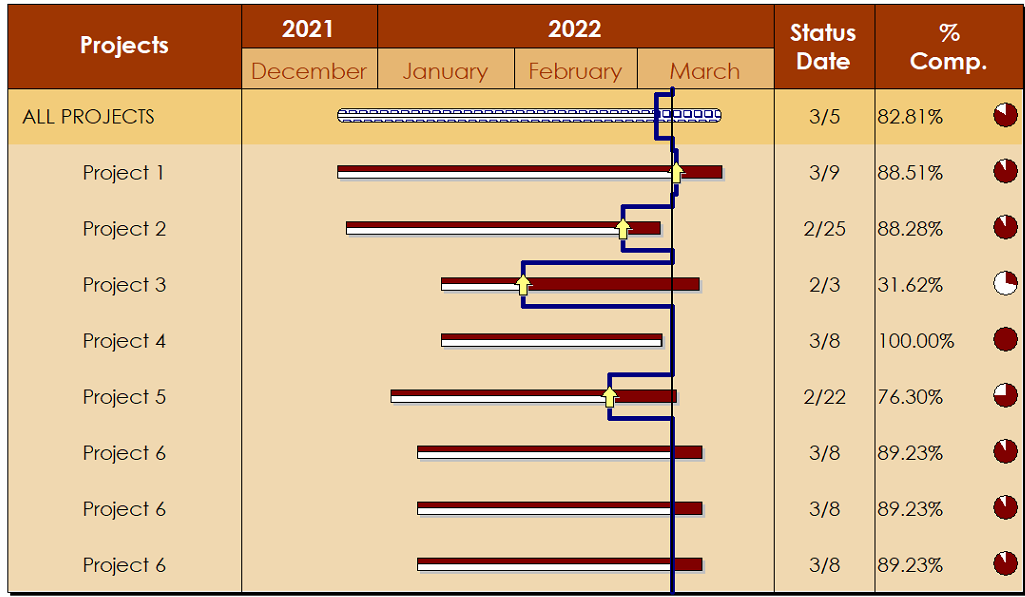
After the template is applied:Bars and symbols have been changed. The Ahead/Behind column is hidden and a new color theme has been applied.
|
|
|
Apply a template to an existing schedule Templates (Milestones Help)
|
 2019
2019