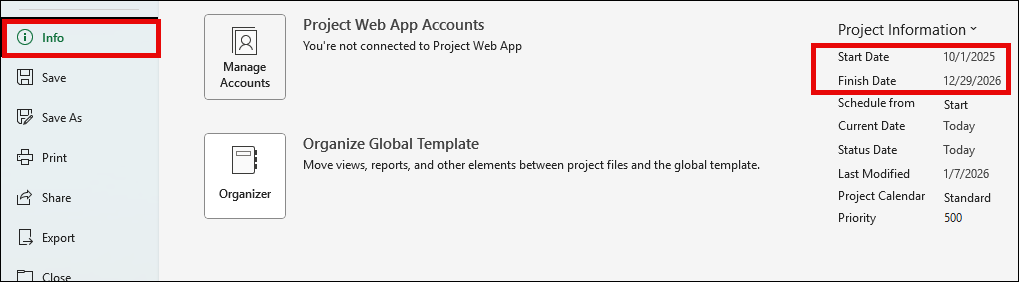
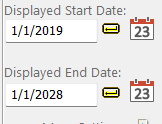
Question:I am having issues with the dates after refreshing from the MSP file. My calendar dates in Milestone Pro file are from 2019 thru 2028 (please see below) but after refreshing the file it updates the start and end dates to stay in 2001. |
Answer:
This can be easily fixed by turning off the Reset Date Range option:
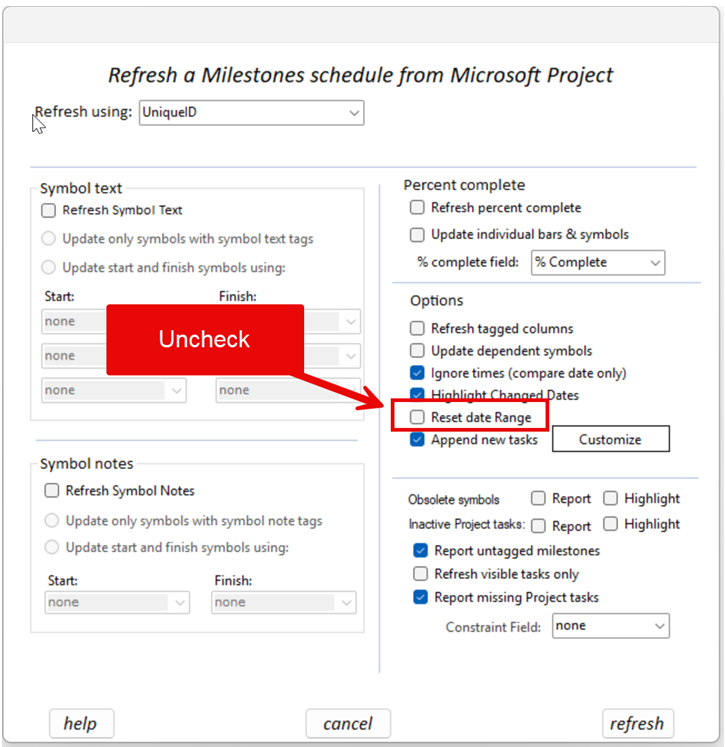
Probably what is happening is that the Microsoft Project file Start and End Dates are in 2001 instead of in the years of the current project. To check this:
- In Microsoft Project click the File tab.
- Click Info (on the left)