Don't want short pages when using page breaks
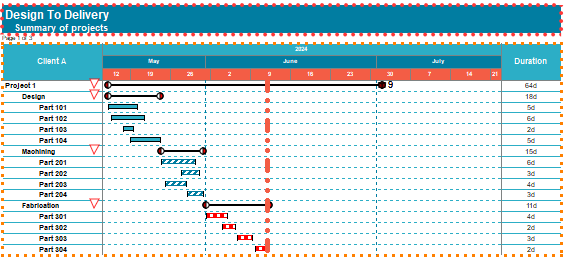
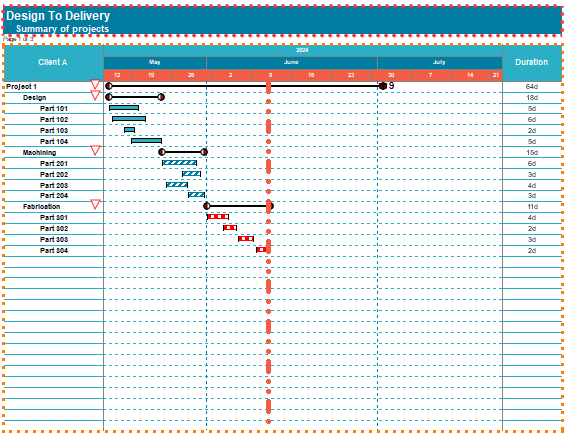
Answer:The best solution is to insert blank task rows prior to adding the page break. Here is what the schedule will look like with blank lines inserted:
|
|
|
|
Answer:The best solution is to insert blank task rows prior to adding the page break. Here is what the schedule will look like with blank lines inserted:
|
|
|
|
Applies to Milestones Professional:  2017 2019 2021 2023 2025
The fast easy way to schedule your projects: Milestones Software by KIDASA Software, Inc. www.kidasa.com
Copyright © 2025 KIDASA Software, Inc. All rights reserved.