Question:I want to move tasks on one page over to another page. What's the procedure? |
Answer:
If you select all the rows on a page, you can paste them somewhere else, to basically move the entire page
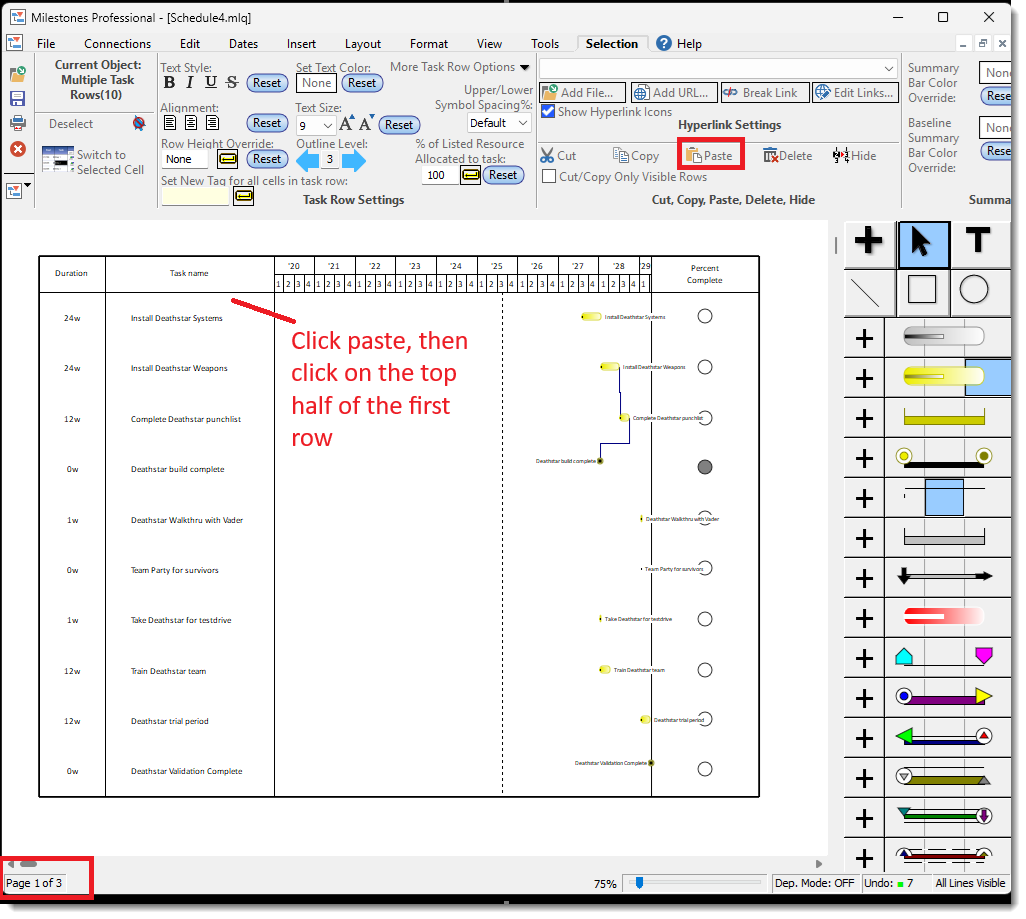
So if you select all your rows on page 3, and choose Cut, then you can click Paste, and click on the top half of Row 1 of page 2, and then that would basically switch out page 2 and page 3:
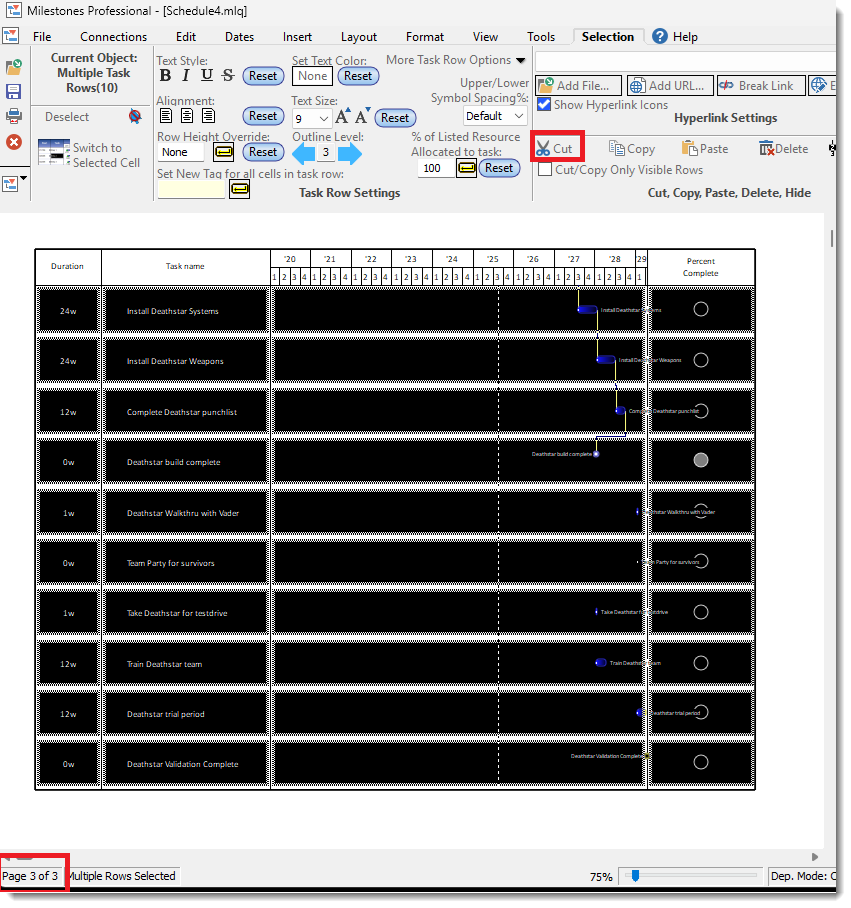
After cutting, click Paste and then click on the top half of the first row (of whatever page you want to replace):