Calculation/Indicator SmartColumn options
|
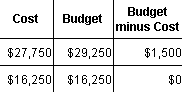
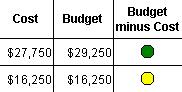
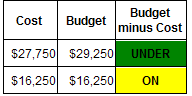
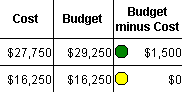
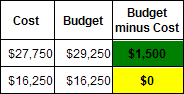
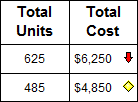
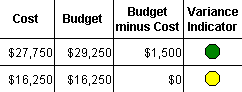
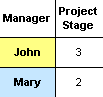
A Calculation/Indicator SmartColumn can display calculation results; symbols, text or colors based on those results; symbols, text, or colors based on another column's values; or a combination of these choices, as well as convert calculation results to percentages with matching percent complete pies. See:Tutorial Lesson 13 - Calculation/Indicator and % Complete Columns Below are short descriptions and examples of how Calculation/Indicator SmartColumns can be used. Click a link for detailed instructions. The Calculation/Indicator SmartColumn makes it possible to:
(Total Units, a values column, is multiplied by the constant value of 10)
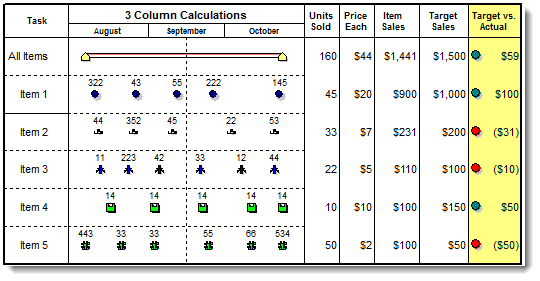
Use a calculation result in another calculation. ("Units [X] $ per Unit" calculation used to calculate "Target vs. Actual Sales")
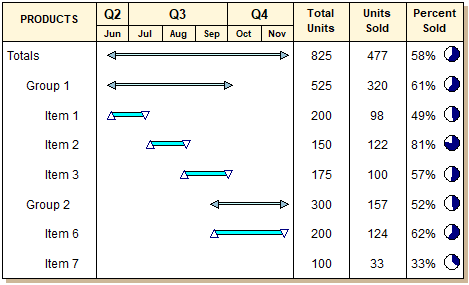
Make a division calculation and convert the results to percent values and pies.
|
Related Topics