Copy all pages to PowerPoint
For multi-page or single page Milestones schedules, it's easy to create a PowerPoint presentation.
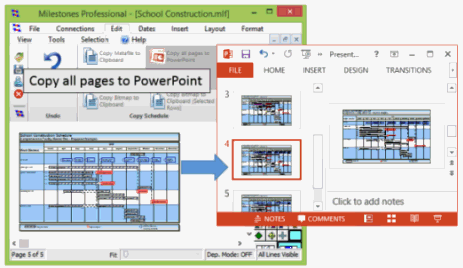
Choose Connections | Microsoft PowerPoint | Copy All Pages to PowerPoint.
Milestones will ask whether or not a new presentation should be created.
If Yes is selected, Milestones will:
-
Launch PowerPoint.
-
Create a new slide for each schedule page.
-
Create a metafile of each schedule page.
-
Paste each metafile into each PowerPoint slide.
If No is selected, Milestones will:
-
Refer to the open PowerPoint presentation.
-
Create a new slide for each schedule page after the selected slide in the presentation.
-
Create a metafile of each schedule page.
-
Paste each metafile into each PowerPoint slide.
Related Topics