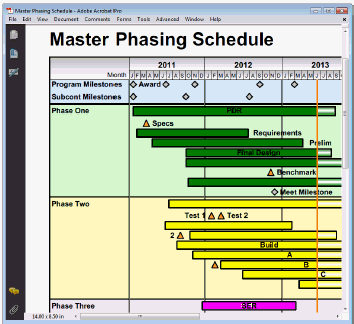
Milestones Simplicity makes planning, organizing, communicating and tracking projects fast and easy. Designed for anyone who spends time scheduling or managing projects, Milestones Simplicity makes fast work of scheduling efforts.
Templates save time by preserving the customized toolbox, columns, column headings, page layout, indicator symbol conditions, and more. Templates retain the formatting (the “look” of a chart) while charts preserve schedule details (task row entries, dates, column value entries, etc.). Learn more.
Many time-scale options
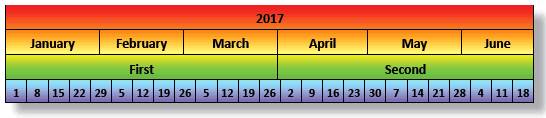
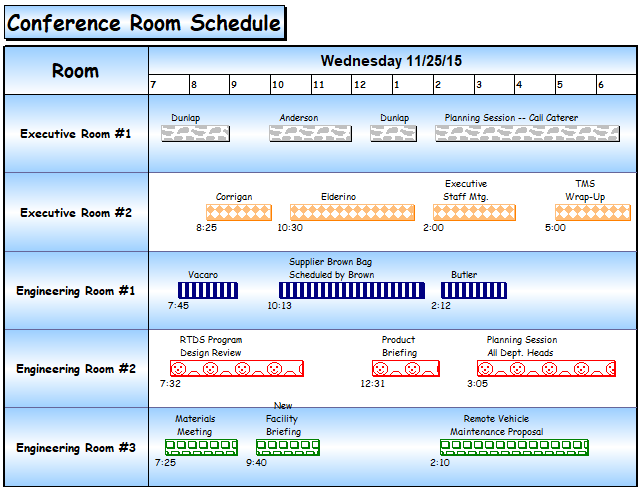
Schedules can show standard time scales ranging from minutes to years, and custom, user-defined periods. Choose minute, hourly, or daily for symbol placement; choose the top and/or bottom or within a task row for date heading placement; and use any frequency. Learn more.
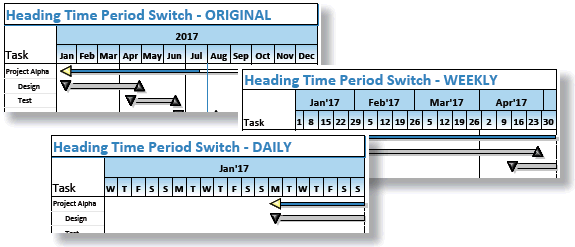
Instantly switch the time period displayed in the date headings to a daily, weekly, monthly, quarterly, or yearly view. Simply right-click the date heading and select a view, including the original view. Learn more.
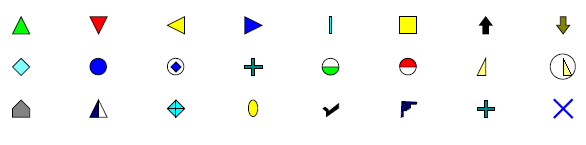
Wide assortment of built-in symbols:
The flexibility and customizability of Milestones Simplicity's symbology is second to none, with 140+ symbol shapes filled with any color. Learn more.
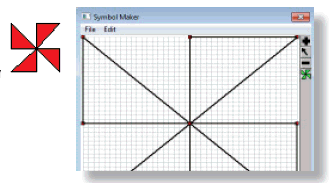
Not enough symbol shapes? Milestones Simplicity has a built-in Symbol Maker in Tools | Other Tools | Create or Edit Custom Symbol that lets you design simple or multi-part shapes. Learn more.
Variety of horizontal bar shapes
Like the symbols, the 60+ horizontal bar shapes and 15+ vertical link shapes are fully customizable. The horizontal bars can be filled with any single color or two colors faded together, as well as shadowed with any color.
Symbols (and their bars) can be positioned at an upper, middle, or lower level on one task row. The bars automatically follow the positioning of the symbols. Vertical percent spacing options help refine the placement of symbols and bars on dense schedules.
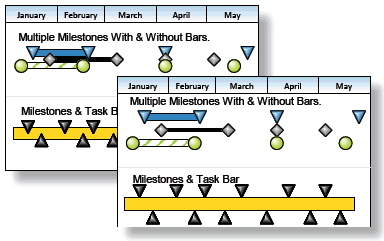
Further customize symbols and bars with the on top features. “Symbol on top” setting which controls which symbol appears on top, “Horizontal bars from this symbol are on top” setting which controls which bar appears on the surface, as shown below:

Powerful publishing, presentation and distribution:
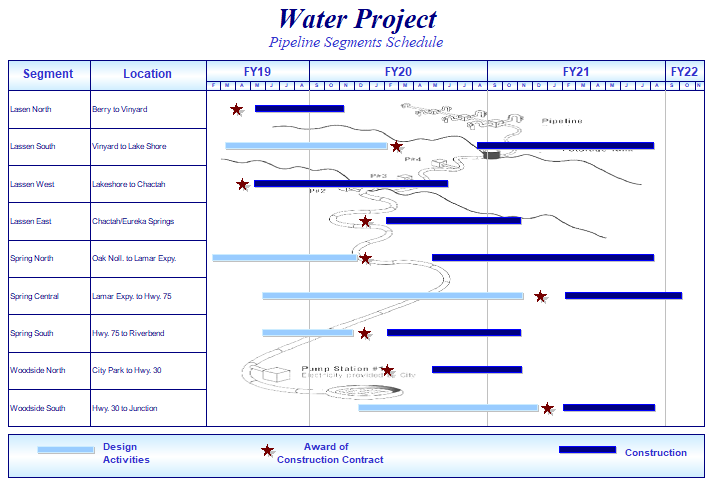
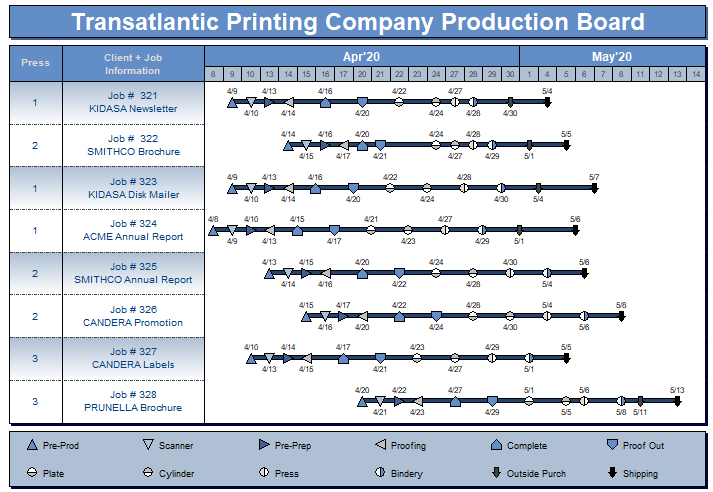
View additional examples at www.kidasa.com