
(Click the question title for the answer)
Only one letter showing for month
I am trying to recreate a template that we use in Milestones Professional. In the attached format, the month is represented by one letter versus 3.

Remove shadow from some symbols
I have several triangle symbols on my schedule. That said, I only want to show a shadow on a few of them. Is it possible to do that without having to change all of them? I can’t find the option when I click on the triangles that I want to change.
How do I add column data that shows me the "Task Row" that my milestone/bar is on? In "Symbol Properties" I can open tab "Vertical Links" to see that I have connected my milestone to "Task Row 403" but I have no way of finding that row.
I need to change the vertical width of horizontal bars on my schedule. Right now I want all the horizontal bars to be much thicker.
Month after start of contract date headings
Would it be possible to show date heading as a monthly count based on an event or milestone without utilizing custom heading options?
Case #1: We would like to show range of month before milestone as count down (e.g. -1, -2, -3 and so on of the month from project award, and +1, +2, +3 of month after project award).

Case #2: We would like to show some specific part of the project in where the project start out of range start dates however the months date headings count from specific event/milestone which is not in the range of start and finish date.
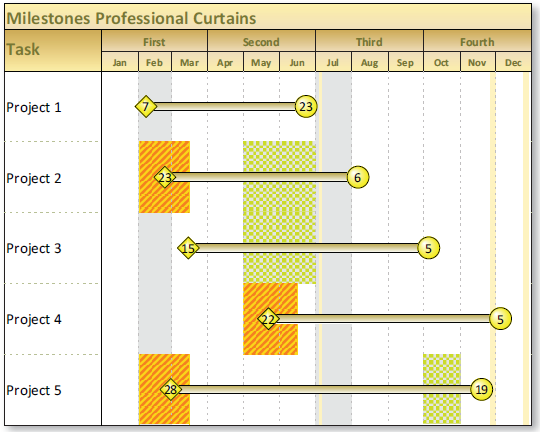
Is it possible to shade a date range on the schedule?
We would like to create a SmartColumn using a column (Number4) from Microsoft Project using the following user-defined values ranges to display values, symbols, text and colors. (Green: < 5%, Yellow: > 5% < 10% Red: > 10%)