
Date heading only shows letter on some pages
My date heading shows some months with the full name and others with an abbreviation. Is there a way to make it consistent?
How can I get the numbers, which are symbol text to line up? You can see that the first one is lower than the others.
I've put together a schedule that contains imported (copy-and-paste) graphics. For some reason, there is a graphic towards the top of my schedule that I can't get rid of. I can't even click on it. Any idea why?
Expand width of some column titles
I see some samples which appear to have some column entries spanning more than one column. What's the procedure to do this?
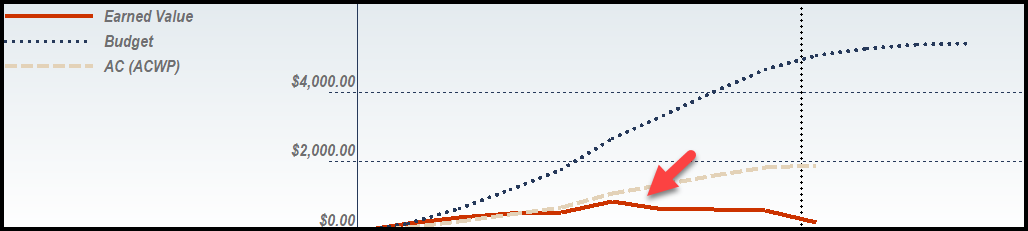
I have attached a file showing EV calculations I am doing for a project. I notice that the EV curve takes a dive after the current date“ or close to it. For the life of me I cannot understand this behavior.
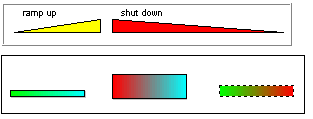
Can Milestones' bars show trends? If so, how?
If you build custom date headings, can you get the symbol date format to correspond to those headings, rather than a specific calendar date?
Copy and Paste: one Excel column to Milestones
Can I select one column of information in Excel and paste that column into Milestones?
Every time I start a new schedule, I format it the same way, including color scheme, toolbox choices, number of rows per page, etc. Is there an easier way?
My calculation/indicator column is only showing the symbol indicator. How do I get the numerical value to show as well?
My schedule spans 12 months. I would like to print a separate sheet for every 3 months.