Tips & Tricks for July 2022

(Click the question title for the answer)
Template giving unexpected results
I’ve set up a personal template, but when I open it with an existing schedule open, the task descriptions do not appear and I get a duplication of the task number. The column for task description is set as none.
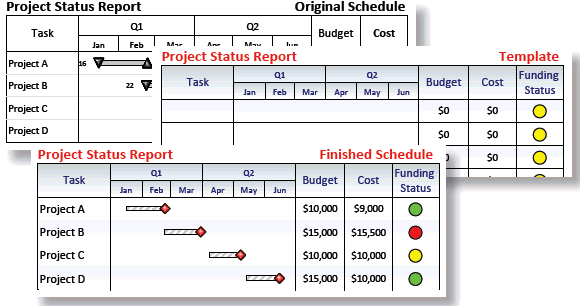
Do you know if Milestones Professional can produce (instead of a whole page) a PNG graphic like the following?

Show a slip to baseline with a milestone symbol
I have a schedule that is made of symbols only (no task bars)– how can I show a slip to one of the symbols?

Increase the number of task rows per page
How can I get more rows on one page? I want to get everything on one page. Right now I have 16 tasks but 4 are on a second page.
Move a symbol on a crowded schedule and get the exact date
I have a symbol I want to move that is very close to other symbols and connectors. When I try to move it, I often get other symbols instead. How do I move one symbol without accidentally moving others?
The area where the graphic is located has a white background. That white background is overlapping the bottom of the menu bar and I cannot see the buttons when I select a task bar in the graphic.
Trouble pasting into PowerPoint
I have a 12 page schedule. When I use Copy all pages to PowerPoint, only 5 pages are copied. Then I get an error message: Trouble pasting this schedule into PowerPoint.
When I hover over the toolbox, toolbox tips pop up. Is there any way of not showing toolbox tips....?
I hid the legend and now I need to put it back on the schedule. After I hide the legend, how do I get it to reappear?
Vertical connections on a multi-page schedule
My schedule has many vertical connectors, connecting dates across pages. When I look at the connectors, it's often challenging to determine which page they are connected to. Is there anything I can do to make this easier?
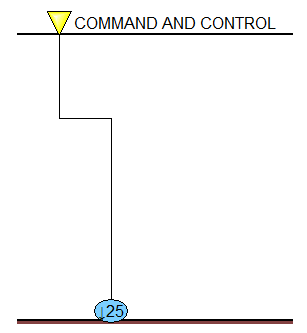
What are all these lines on my schedule?
I can't figure out what all of these lines are on my schedule. Any idea?