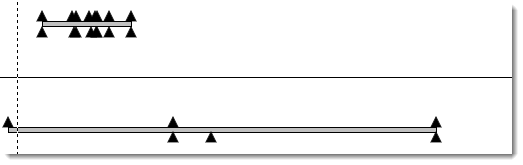
Question:I imported MS project to Milestone Pro but the task names do not appear above the milestones. See picture below:
|
Answer:
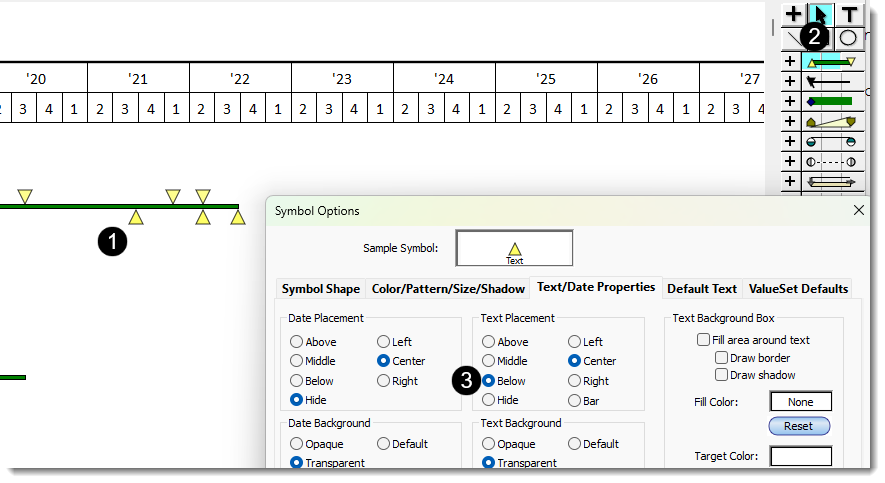
It's possible that the symbol text was imported but isn't appearing because the symbol(s) in the toolbox is/are set to hidden. Here's how to make them appear:
-
Click once on one of the symbols on the schedule. This will cause the corresponding toolbox symbol to be selected.
-
Double-click the symbol in the toolbox.
-
On the Text/Date Properties tab, change the Text Placement for the symbol.