(Click the question title for the answer)
Show baseline dates without showing baseline symbols
Is it possible to display baseline fields in the schedule's columns but not show the baseline symbols and bars in the Gantt chart?
Show date and text on same line for a symbol
I have a few symbols on my schedule for which I would like to display both the start date AND the text on the same line on the left side of the symbol. Is there a way to combine the symbol text and the date?
Vertical connectors on a multi-page schedule
My schedule has many vertical connectors, connecting dates across pages. When I look at the connectors, it's often challenging to determine which page they are connected to. Is there anything I can do to make this easier?
I would like to have a legend with multiple rows and 4 entries per row. How do I add a 2nd or 3rd row in the legend?

Move a symbol and keep the same date
When I move symbols to another task row, the dates changes. I want the dates to stay the same when the symbols are rearranged on the schedule. Is there a way to make them stick to their original date?
I need a couple of page breaks in my schedule so that I can have a couple of short pages. Is this possible?
Flag tasks that are nearing completion
How can I display symbols in a column to indicate which tasks are, for example, 50%, 75%, 90% complete? I want to show which tasks are complete, which ones haven't started and so on.
Overlay one bar on another bar
Is it possible to overlay one bar from the “Combo Toolbox” on top
Paste multi-page schedules into PowerPoint
I have a 10 page schedule which I need to paste into PowerPoint. It is tedious to have to paste it in one page at a time. Is there an easier way?
Combine ValueSets on a master schedle
I have a schedule with two DataGraphs, one showing manpower. I’ve been asked if this schedule can be combined with other project schedules into a master schedule so that manpower can be assessed firm wide. I’ve been successful with combining task lines from multiple schedules to create a master schedule, but have never seen value sets or DataGraph information combined. Is it possible to combine DataGraph information?
Symbol ValueSet values not yielding expected totals
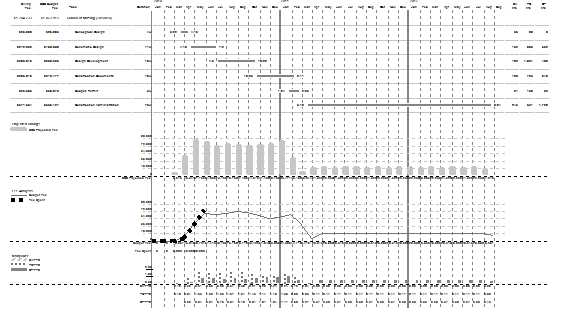
I am using type 4 (symbol) ValueSet and displaying a total in a DataGraph on the last page. For some reason, the total appears to be wrong.