
Click the question title for the answer)
Trouble Refreshing or Importing from Project
The connection to Project seems to be broken. I am unable to refresh or import any Project schedules into Milestones.
Show the after status color in the legend
I want to show the after status (to be done) color in the legend. Is this possible?
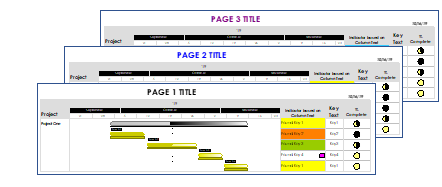
Different chart titles on each page
How can I have a different title on each page of the schedule?
My symbols are not showing dates. I've tried unhiding dates in the toolbox and also individually. Why won't the dates show up?
Highlight changed dates when refreshing
I refreshed my schedule and choose the option to highlight the changes. Now, how do I turn off the highlighting?
The last user of one of our milestones licenses has left the company. How do we transfer his registered license to another user at our company?
Skipping dates when moving with mouse
In a Gantt chart when I try to move an end date, it always seems to skip one day of the week (i.e. Mon, Wed, Thurs, Fri). The day skipped changes as well. I have checked all calendar options and cannot determine why it is doing this.
I need to sort tasks by dollar amount and dollar categories. How is this done?
Is there a way to anchor a string of text to a symbol or a task row?
Bars not filling in on imported schedule
I imported my Microsoft Project schedule into Milestones Professional. I want the bars to fill to the status date. Most of them don't do this. Why not?
How can I change the color of a single symbol on the schedule?
Change indicator symbols after importing from Project
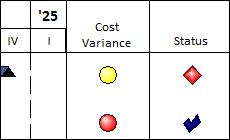
My schedule was imported from Project using the Stoplight Indicators template. I would like to change the colors of the indicators. Is there a way to do this?
Change the start and end dates for a schedule
Right now my schedule only shows 3 months. I want it to include all the months in the current year. How is this done?